

OVERVIEW
The WP836 is a cordless Wi-Fi IP phone suitable for many enterprise and vertical market applications including offices, retail, logistics, healthcare, security, and more. This high-end cordless Wi-Fi phone is equipped with integrated dual band Wi-Fi 6, an advanced antenna design, roaming support, 4-way voice conferencing, and support for the Opus HD voice codec. The WP836 provides 10 hours of talk-time and 200 hours of standby time through a 3000mAh battery to drive employee productivity. By providing a sleek design, easy-to-use interface, and a variety of practical, customizable features, the WP836 provides mobility and flexibility to all voice solutions.
WP836 PACKAGE CONTENTS

SETTING UP THE WP836
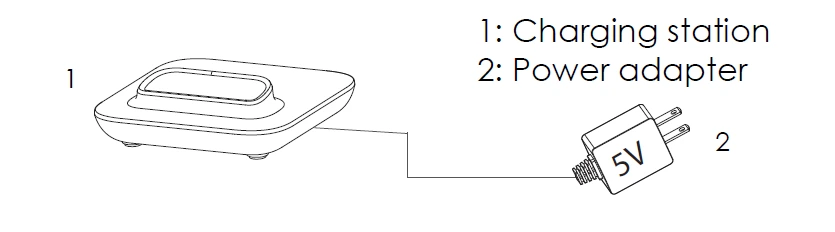
Charging Station
Plug the power adapter into a power source socket to start using the charging station.
Handset
- Open the battery cover from the opening port and remove the battery door.
- Insert the battery with the electrodes in the top right corner.
- Insert the battery door and close the battery cover.

INSTALLING THE WP836 ON THE WALL
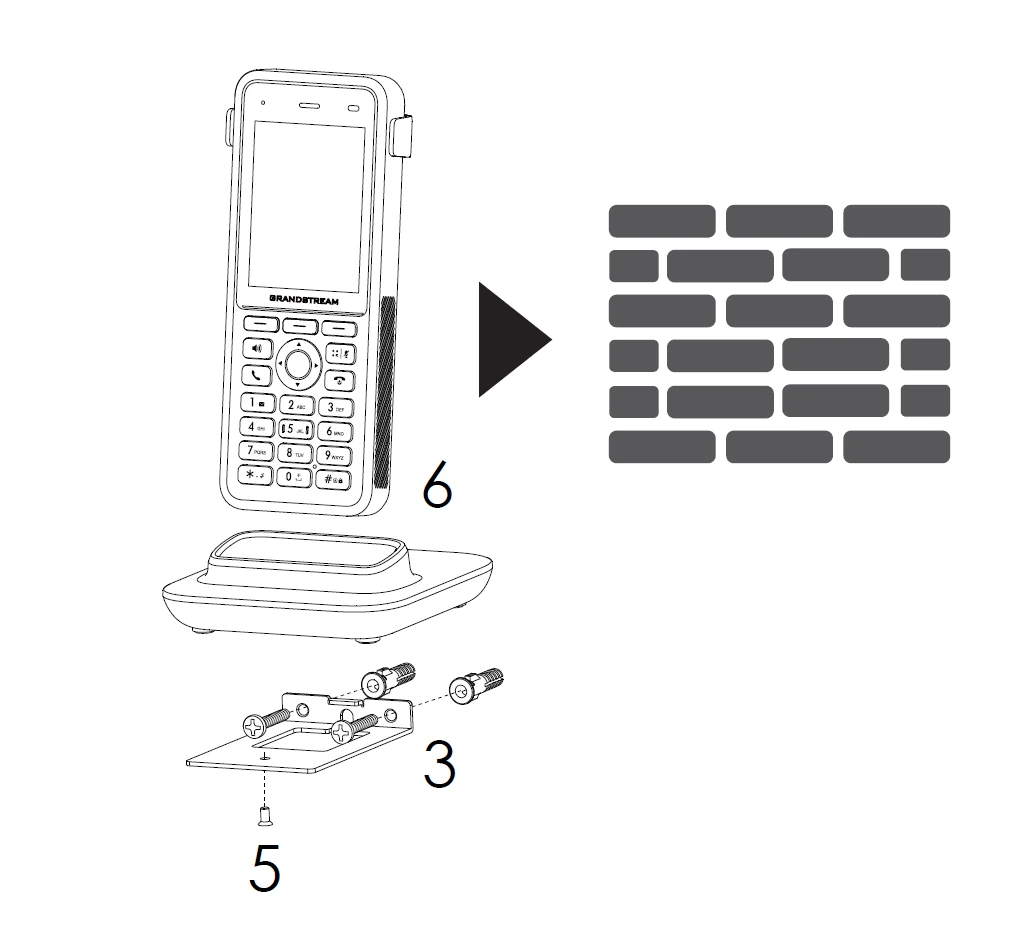
- Unscrew the M3 screw of the charge station and take out the wall bracket.
- Drill holes on the wall and insert expansion screws.
- Thread the screw through the wall bracket and fix it to the wall.
- Place the charging station and wall bracket together.
- Fix the charging station and bracket with M3 screw.
- Insert the phone into the charging station.
WP836 DESCRIPTION

CONNECTING WP836 TO WI-FI NETWORK
- On LCD menu, press Menu key and navigate to Settings → Wi-Fi Settings.
- Set Wi-Fi to “On” and navigate to “Wi-Fi Network”. A list of Wi-Fi networks will be displayed.
- Select the desired network to connect to. (Enter the correct password to connect if requested)
WP836 will display Wi-Fi icon on top of the main LCD menu if the connection to the Wi-Fi network is successful.
ACCESSING WP836 WEB GUI
- Press the UP button to see the IP address.
- Type the phone’s IP address in your PC browser.
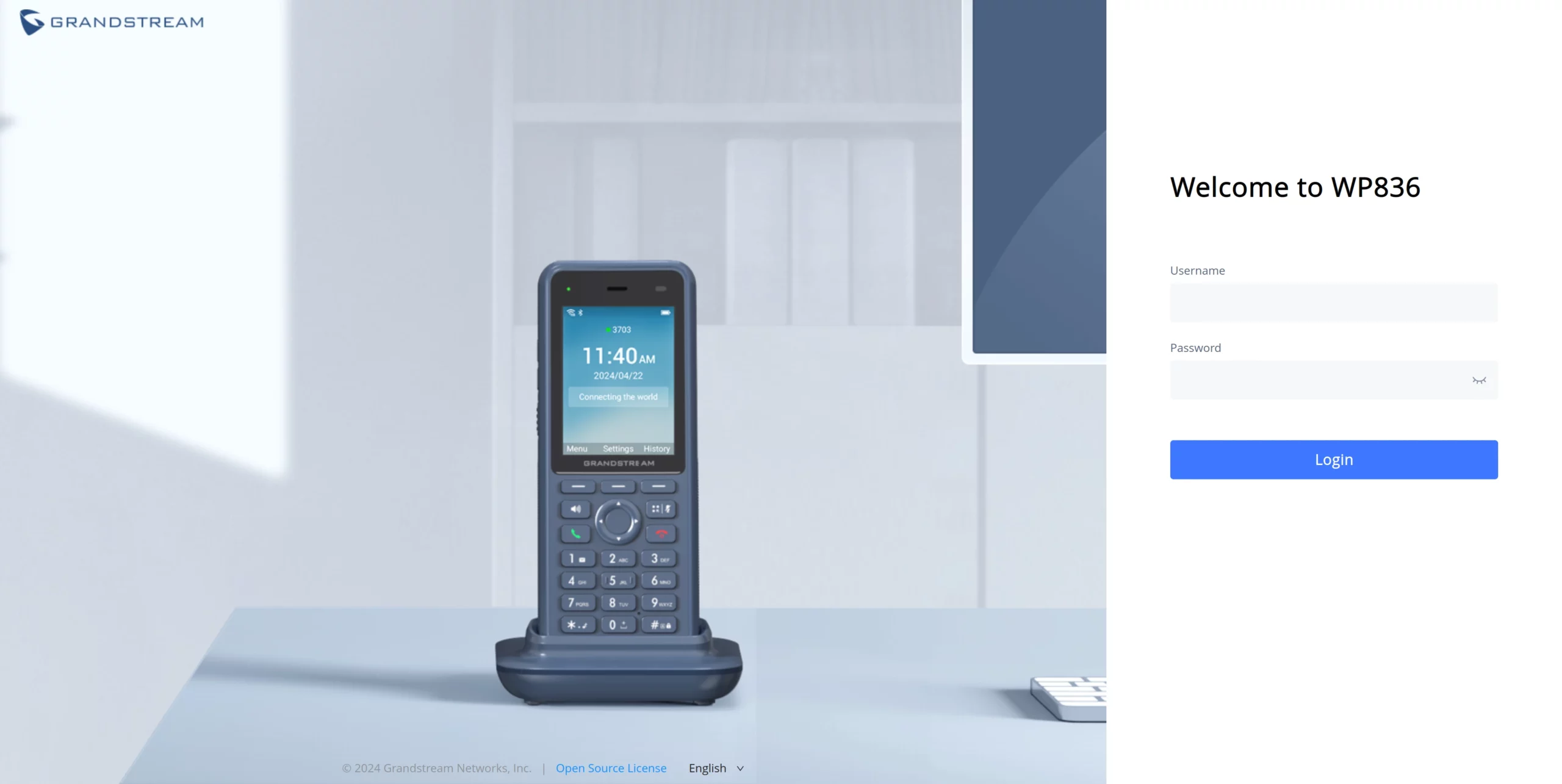
- Enter admin’s username and password to access the configuration menu. (The factory default username is “admin” while the default random password can be found on the sticker under the battery).
Refer to online documents and FAQ for more detailed information: https://www.grandstream.com/our-products

For Certification, Warranty and RMA information, please visit
www.grandstream.com