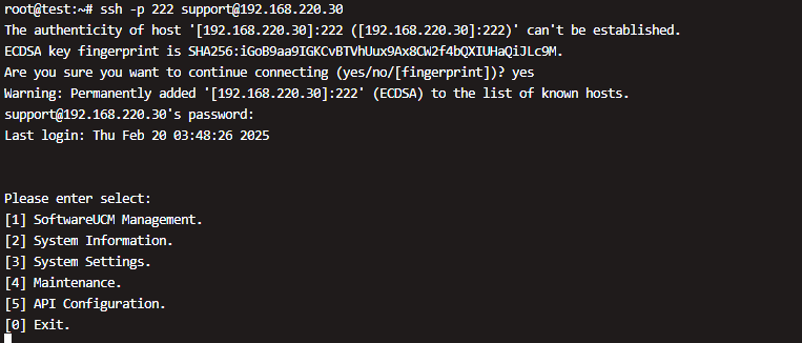
SoftwareUCM instances can be managed through SSH. This provides a secure to access and configure the SoftwareUCM environment remotely. The user will have to provide the username, and the password to be able to authenticate successfully through SSH.
- When you log in to the console for the first time, you’ll be prompted to set the password for the support user.
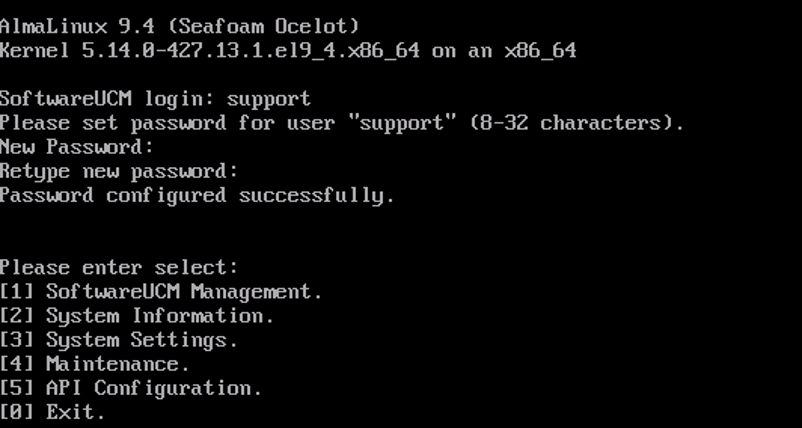
- You can change the password of the support user in the Maintenance menu.
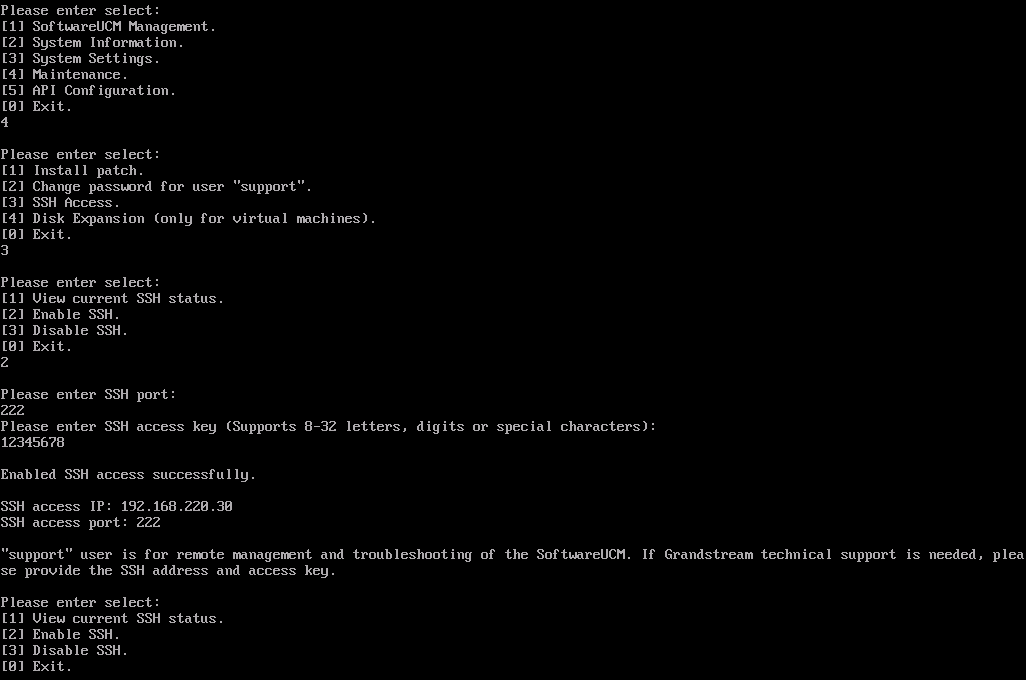
Enable SSH
- Select Maintenance > SSH Access > Enable SSH to enable SSH, and set the port and access key.
Tips: the SSH access key is used to generate the management user password and allows the Grandstream Support team to remotely log in and troubleshoot.
SSH Login
Use the user “support” to connect to the host.